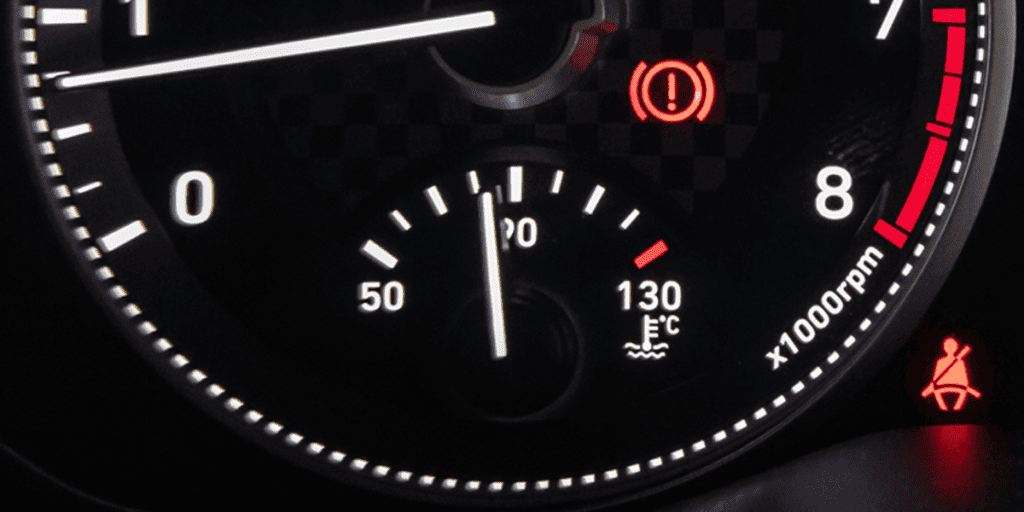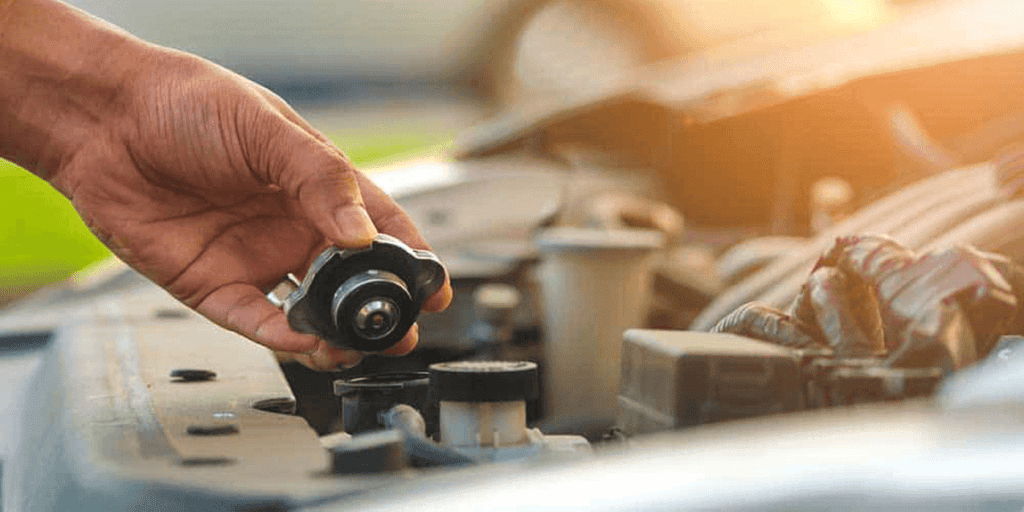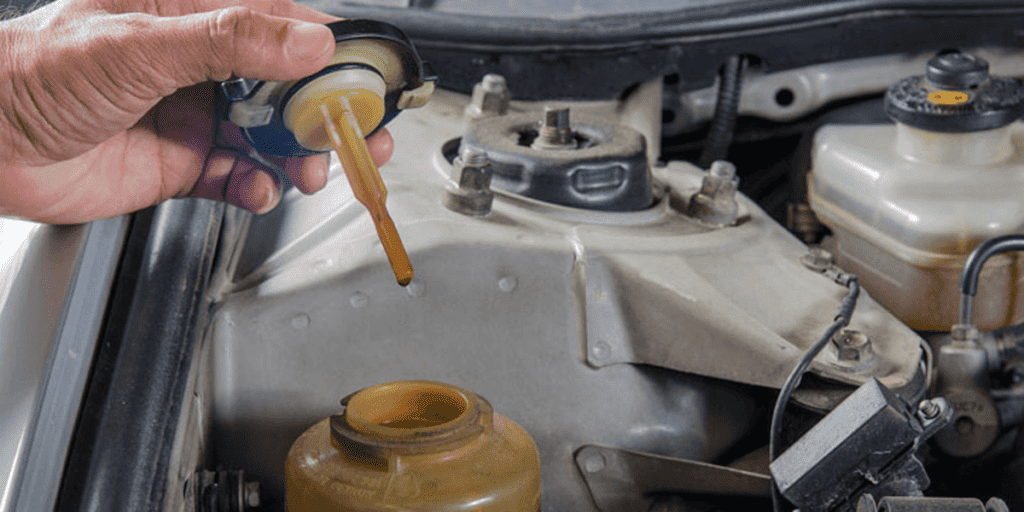
If your Honda Civic’s water temperature runs hot, you might have a stuck thermostat blocking coolant flow or a failing radiator cap that loses pressure and lowers the boiling point. Check if the cooling fan spins—no movement could mean a bad relay or wiring. A leaking water pump or air trapped in the system can also disrupt circulation. Listen for whining noises and watch for overheating during long drives. Persistent white exhaust smoke or milky oil may signal a blown head gasket. You’ll want to investigate each possibility systematically to pinpoint the exact issue.
Quick Tips
- Malfunctioning cooling fans due to relay faults or wiring issues can cause overheating by restricting airflow.
- A stuck-closed thermostat blocks coolant flow, leading to high temperatures despite a cool upper radiator hose.
- Failed water pump impellers reduce circulation, causing overheating, especially during extended driving or under load.
- Air pockets after coolant refills can create hot spots; proper bleeding is essential to restore flow.
- A blown head gasket may cause white exhaust smoke, milky oil, and overheating due to internal coolant loss.
Why Your Honda Civic Overheats: 7 Common Causes
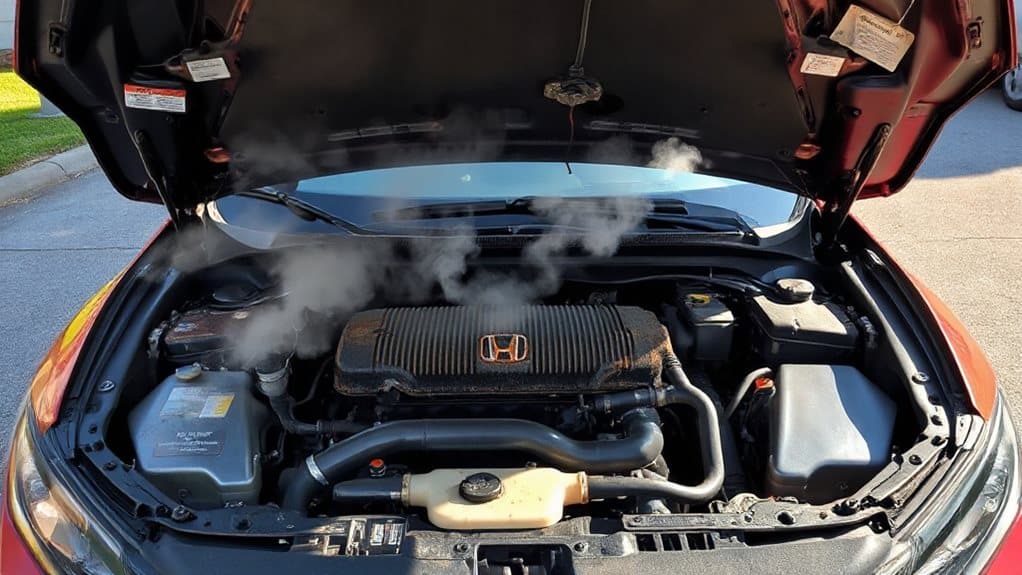
When your Honda Civic starts running hotter than usual, it’s time to zero in on the cooling system’s key components—because overheating rarely happens without warning signs or underlying mechanical issues.
Malfunctioning cooling fans, a stuck thermostat, or a failed water pump can all halt proper coolant flow. Air pockets may disrupt circulation after maintenance, while a blown head gasket can leak coolant internally, causing white exhaust smoke and milky oil—clear signs something’s wrong under the hood.
One often-overlooked culprit, especially in high-mileage vehicles like the 2003 Honda Civic, is a degraded water pump impeller that reduces coolant flow over time, leading to overheating during prolonged drives despite functioning fans and a new radiator; this issue may be indicated by a squealing noise during A/C use or slow turns. Small coolant weep hole leaks can also indicate an early seal failure in a water pump, which may precede larger cooling system problems weep hole.
Radiator Cap Failed? How Pressure Loss Causes Overheating
Though it’s small and often overlooked, the radiator cap plays a critical role in keeping your Honda Civic’s engine at a safe operating temperature. It maintains system pressure, raising the coolant’s boiling point.
If the cap fails, worn seals or a damaged gasket let air in, reducing pressure. This causes coolant to boil, form vapor pockets, and circulate poorly—leading to overheating, low coolant, and potential engine damage. Regular inspection can reveal a bad radiator cap before it causes bigger problems.
Fan Not Spinning? Check the Relay and Wiring
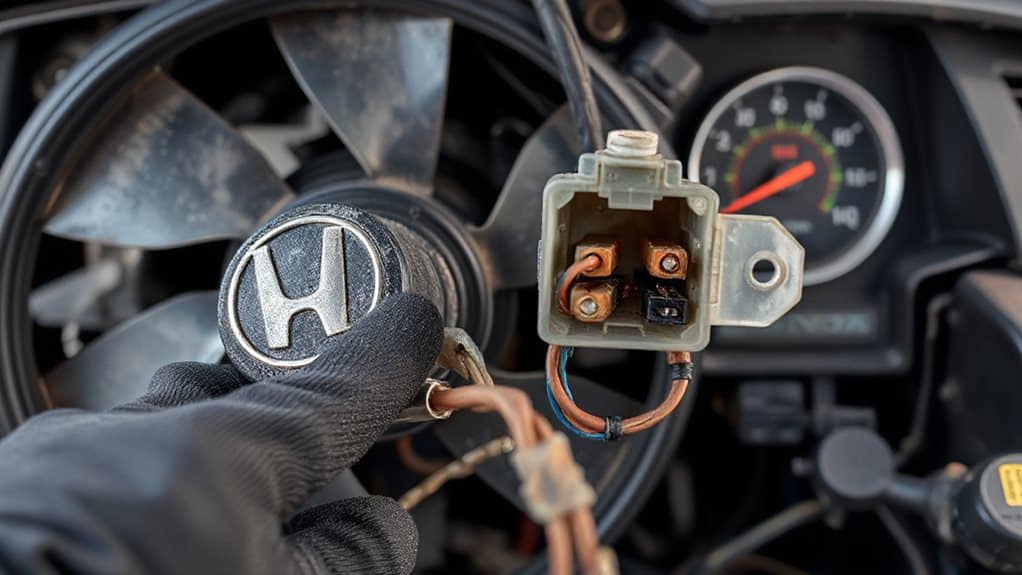
If your Honda Civic’s cooling fan isn’t spinning, start by checking the fan relay and wiring—this simple circuit could be the real culprit behind the overheating.
The relay, powered by the ECT sensor, sends electricity to the fan motor. Test for power and ground at the relay with the ignition on. If voltage is present but the fan stays still, replace the relay.
Inspect wiring for corrosion, breaks, or loose connections, especially near the thermostat housing. A damaged wire or bad connection can stop current flow, even with a working relay.
Directly power the fan to confirm motor function. If it runs, the issue lies in the control circuit—not the fan itself. Faulty electronic control modules can send erratic signals to relays, causing unexpected behavior like persistent clicking relay clicking even when the car is off.
Stuck Thermostat? Why Your Engine Runs Too Hot
A cooling fan that won’t spin isn’t the only reason your Honda Civic might overheat—sometimes, the problem lies deeper in the system, like a thermostat that’s stuck closed.
When this happens, coolant can’t flow to the radiator, trapping heat. You’ll see high temperature readings, a cool upper hose, and possible P0128 codes. Corrosion or bad installation often causes it.
Replace with OEM parts, make certain correct orientation, and flush the system to prevent damage. Regular vehicle maintenance, including proper coolant changes, helps prevent sticking issues that can lead to thermostat failure.
Water Pump Leaking? Signs of Coolant Circulation Failure
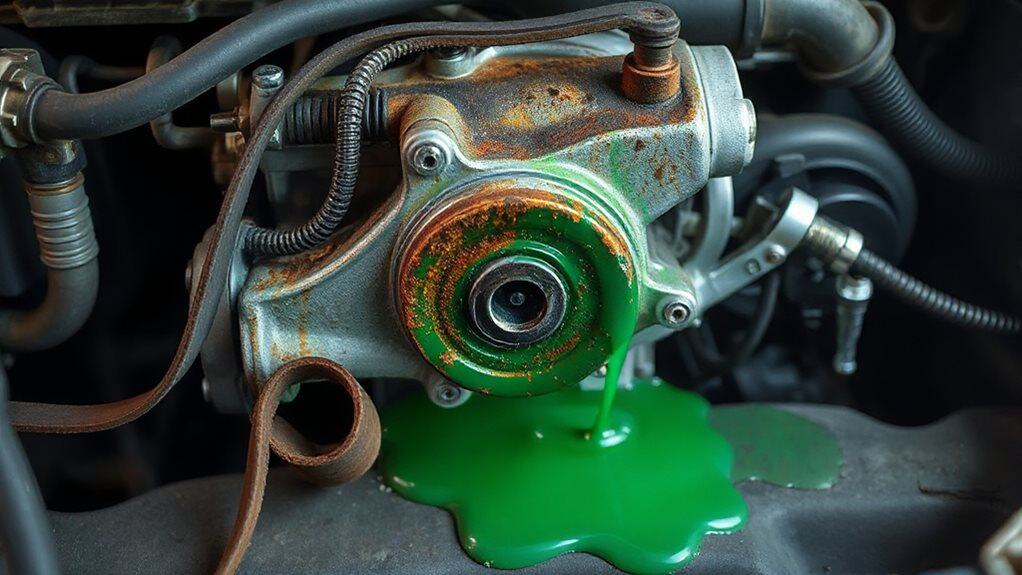
Often, a failing water pump is the quiet culprit behind your Honda Civic’s overheating issues, and catching it early can save you from costly engine damage.
You might notice coolant puddles under your car, a sweet smell near the engine, or visible leaks at the pump’s weep hole.
Whining or grinding noises often rise with engine speed, signaling bearing failure.
Poor heater performance, gurgling sounds, and overheating under load suggest weak coolant flow.
A pressure test can confirm hidden leaks, while milky oil hints at internal mixing.
Since the water pump often shares service with the timing belt, replacing both together makes sense.
Watch for these signs—they point directly to circulation failure.
Also check related systems like the transmission fluid pressure sensor which can cause drivability issues if electrical faults affect vehicle sensors.
Air in the Coolant? How Bubbles Cause Overheating
If you’ve recently refilled your coolant and now notice a swishing sound or overheating, air pockets might be trapped in the system. These pockets block proper coolant flow, create hot spots, and can lead to boiling by reducing pressure in the loop.
To fix this, bleed the system with a cold engine, run it at 1500 RPM with the heater on high, and top off the radiator as needed to purge trapped air. Proper system maintenance and monitoring of coolant pressure can help prevent future overheating.
Air Pockets In System
You’ll run into trouble when air sneaks into your Honda Civic’s cooling system and refuses to escape, setting the stage for overheating even if the coolant level looks fine.
Air pockets block passages, disrupt flow, and create steam barriers that reduce cooling.
Bubbles cause temperature swings, hot spots, and fluctuating gauges.
Always purge air after servicing to prevent repeat issues.
Bleeding Coolant Properly
Getting air out of your Honda Civic’s cooling system starts with setting things up right, so the trapped bubbles can rise and escape cleanly. Raise the front end, attach a spill-free funnel to the radiator, and fill it halfway with coolant.
Start the engine, let it warm up, then rev to 2500–3000 RPM to push air out. Squeeze the upper hose to release bubbles, keep coolant topped in the funnel, and monitor until no more air appears.
Once the heater blows hot and hoses are evenly warm, shut off the engine. Install the cap, top off the reservoir, and check for leaks.
Blown Head Gasket? White Smoke and Milky Oil Explained
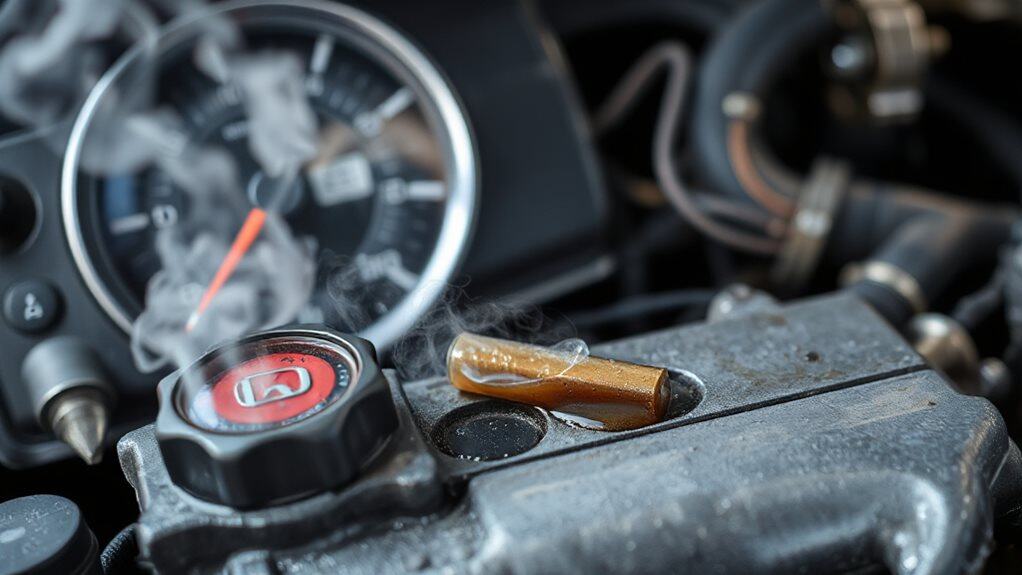
While thick white smoke pouring from your exhaust might first seem like a simple case of condensation, especially if it clears up after a few minutes, persistent smoke—particularly during acceleration or under load—often signals something far more serious: coolant entering the combustion chamber.
You may also notice a sweet smell, milky oil with a chocolate milkshake texture, or foamy residue on the dipstick or oil cap. These signs point to coolant mixing with oil, commonly caused by a blown head gasket.
Overheating, age, or poor maintenance can weaken the gasket over time, breaking the seal between engine coolant and oil passages. A chemical block test, compression check, or pressure test can confirm internal failure.
Don’t confuse this with blue smoke (burning oil) or black smoke (rich fuel mix). If you see both white smoke and milky oil, act fast—continued driving risks severe engine damage.
Wrapping Up
You now know the common causes of overheating in your Honda Civic. A failed radiator cap, faulty fan, or stuck thermostat can all disrupt cooling. Coolant leaks from the water pump, air pockets, or a blown head gasket also lead to high temps. Check each part systematically. Use proper tools and safety steps. Understanding these issues helps you act quickly, preventing engine damage and keeping your car running smoothly.