
If your BMW trunk won’t open, start by checking the battery—low voltage below 12.4V can disable electronics. Inspect Fuse 58 in the trunk fuse box for breaks, and test the interior release switch for power using a multimeter. Listen for a click when pressing the trunk button; no sound may mean a blown fuse or wiring fault, especially in the left hinge loom. Confirm valet mode isn’t enabled via the glove box switch or iDrive settings. Try the mechanical key or cabin release if electronics fail—more solutions await.
Quick Tips
- Check battery voltage and connections, as low power can prevent trunk release due to electrical system faults.
- Inspect Fuse 58 (5A) in the trunk fuse box for blows or damage causing power loss to the trunk circuit.
- Examine the left-hinge wiring loom for broken wires that interrupt electrical signals to the trunk actuator.
- Test the interior trunk release switch and valet mode settings, which may disable electronic trunk opening.
- Use the mechanical key or cabin release switch to open the trunk if electronic systems fail completely.
Is Your BMW Trunk Not Opening? Try These Fixes First

If your BMW’s trunk won’t open, don’t jump to determinations—start with the basics before diving into costly repairs. Check fuses like #58, inspect the trunk switch’s seal and wiring, and test the actuator for clicks. Verify battery voltage, test the relay, and examine linkages for bends or breaks. These steps often reveal simple fixes. One reliable option is to use the hidden manual key in your smart key fob or remote-access tools to gain entry without damaging the vehicle.
One common issue is a damaged wiring loom at the trunk lid hinge, which can cause intermittent power due to broken strands inside the insulation, so inspect the trunk-lid to body loom carefully.
Check the Lock Cylinder: Is It in Valet Mode?
While you’re troubleshooting a BMW trunk that won’t open, one often-overlooked cause is the valet mode setting, which can disable trunk access through the key fob, interior switch, or exterior handle.
Check your glove box, center armrest, or door panel for a sliding trunk lock switch—slide it right to disable valet mode.
Make certain the mechanical key hasn’t locked a storage compartment, and verify your iDrive profile isn’t still in valet mode.
Also inspect related electrical components and switches, since issues like a faulty valet switch or weak key fob battery can mimic valet-mode symptoms.
Test the Interior Trunk Release Switch
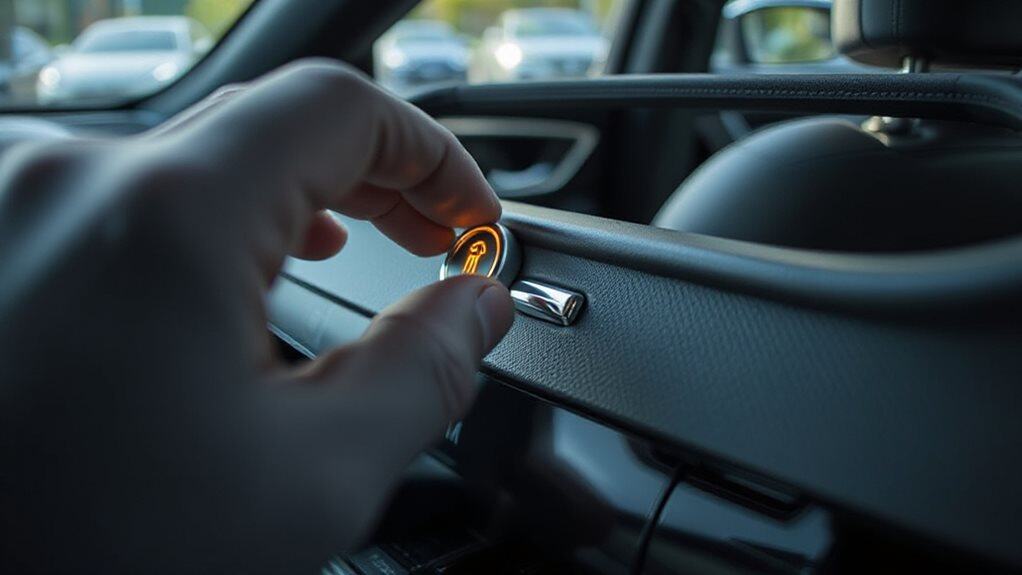
First, check if the trunk lock cylinder isn’t stuck in valet mode, since that can disable the interior switch.
Press the release under the dash firmly and listen for a click—this tells you the microswitch is engaging, and if it doesn’t work, try pulling the button slightly outward to see if it activates intermittently.
After a battery reset, you might need to recode the CAS module via an app or adapter to restore full function.
Also inspect the latch mechanism for debris or wear and consider checking the trunk release cancel switch setting in the glove box.
Lock Position Check
Start by checking the interior trunk release switch to see if it’s being blocked by a lockout setting—this simple step could save you time and prevent unnecessary troubleshooting.
Slide the tailgate lock switch in the glovebox left to enable valet mode, which disables electronic releases.
If locked, the glovebox key must unfasten it first.
Make certain the brown wires are intact and connected, as breaks disable the interior button.
Switch Function Test
You’ve already checked the lock position and confirmed the interior release isn’t disabled by valet mode or a broken wire, so now it’s time to see if the switch itself is working.
Use a multimeter to test for continuity—press the switch’s metal tang and watch for state changes.
Check wiring for power, then probe the brown and brown-white wires while toggling the latch manually.
If the switch doesn’t shift from open to closed, it’s faulty. Bypass it by jumping the ground to the body control module wire; if the actuator engages, the switch needs replacing.
Inspect the push pad, spring, and metal clip for damage or misalignment.
Reset After Battery Reset
After a long period without power—like when your BMW sat for six years without a battery—electronic systems often need to re-synchronize, and the trunk release is no exception.
Test the interior switch by the driver’s left foot; press it firmly. If unresponsive, try a slight pull after pressing. Combine this with reinitializing the latch manually or resetting the key fob to restore full function.
Reset the Battery to Fix Trunk Electronics
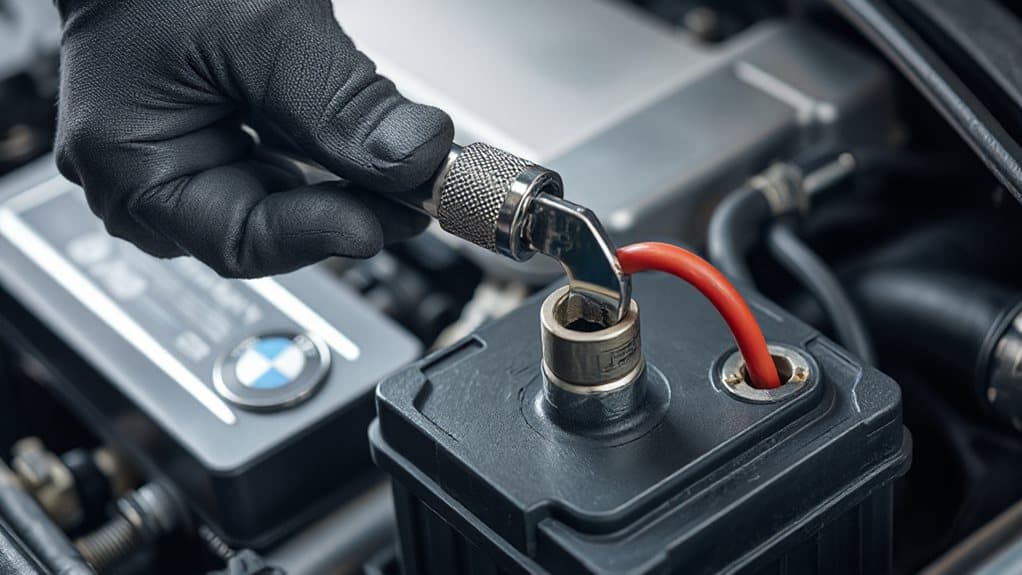
If your BMW’s trunk isn’t responding, a dead or recently replaced battery might be the culprit, since it can disrupt the car’s electronic memory.
Start by disconnecting the negative terminal with a 10mm wrench, then follow the proper steps to reconnect and register the new battery using a scan tool—this resets the system and recalibrates components like the trunk latch.
After registration, if the trunk still acts up, manually trigger the latch to reset its position and guarantee the electronics recognize the correct open/closed state.
Regular visual inspection and cleaning of the battery terminals can help prevent issues caused by corrosion; try using a baking soda paste and hot water to clean and then dry the terminals thoroughly to maintain good electrical contact and reduce the chance of battery corrosion.
Dead Battery Symptoms
Often, a dead battery is the silent culprit behind a BMW trunk that won’t open, especially since modern trunks rely on electronic actuators powered by the car’s electrical system.
You may notice slow engine cranking, dim or flickering lights, and failing electronics like heated seats or windows. Dashboard warnings appear, and corrosion or low voltage—below 12.4 volts—confirms battery decay.
Reset Procedure Steps
A dead battery can leave your BMW’s trunk unresponsive, but once power is restored, the electronics may still act up due to disrupted signals or memory loss in the control modules.
Reconnect power first—attach red to positive, black to ground.
Then, simulate latch closure with a screwdriver, press the trunk button, and let the system reset.
Toggle the valet switch if needed, and recalibrate by holding the trunk button for 30 seconds.
Electronics Recalibration Required
After replacing or reconnecting your BMW’s battery, you’ll likely need to recalibrate the trunk electronics to restore full functionality, since power loss wipes critical settings from the control modules.
You must reinitialize sensors, reset motor defaults, and verify module parameters using ISTA or e-Sys.
Without recalibration, expect errors, failed openings, or interior lights staying on—complete the process to restore normal operation.
Find and Replace Blown Trunk Fuses (Fuse 58 & More)

Start by locating the trunk fuse box on the right side of your BMW’s luggage compartment, just behind the trim panel near the rear seatback.
Remove the two plastic bolts using a keyblade or screwdriver, then pull back the carpet and lining.
Use the red tweezers provided to extract Fuse 58 (5A), which powers the rear wiper relay and sometimes the aerial tuner.
Check for a broken filament or darkened interior—signs of a blown fuse.
Match the amperage exactly when replacing, then firmly press the new fuse into place.
Reinstall the trim, test trunk operation using all switches, and confirm functionality.
Refer to the diagram in the trunk lid’s plastic holder for accuracy.
Also inspect nearby wiring and connectors for corrosion or damage, since electrical connections faults can cause related trunk and accessory issues.
Test the Trunk Button for Power and Sticking
Check the trunk button’s power and movement if your BMW’s trunk isn’t responding to any of the four standard opening methods—external pull, key fob hold, dash button, or comfort access.
Press the button and watch for a dashboard signal or motor click. Test voltage at the connector with a multimeter.
Inspect for physical cracks, make certain the wiring loom is secure, and verify proper ground.
A sticking or dead button may simply need replacement.
Also check the fob battery and contacts as a weak battery or corroded contacts can prevent remote opening and reduced range may mimic a trunk button fault; see fob battery issues.
Listen for Clicks: Is the Trunk Actuator Dead?
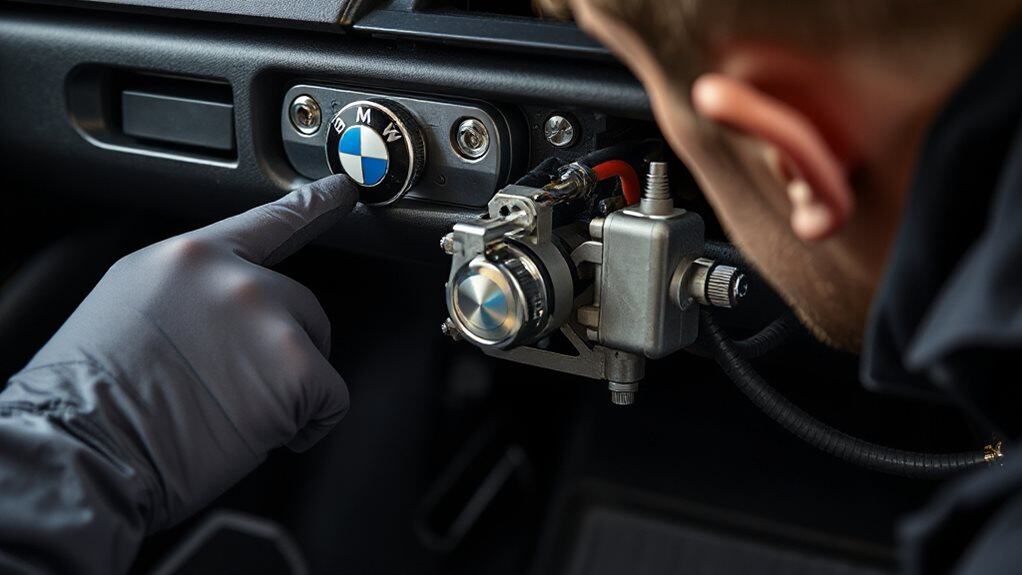
If you press the trunk release and hear a distinct click but the trunk stays shut, the actuator’s motor is likely working—it’s the mechanical linkage or latch that’s failing to disengage.
No click? Check fuses, wiring, or battery issues.
Inspect the left hinge’s wire loom for breaks.
Use an OBD scanner to test the microswitch.
A dead actuator usually means electrical failure or motor burnout.
Open the Trunk Manually or With the Remote Trick
When electronic systems fail and your BMW’s trunk won’t budge, you’ve still got options—several of them don’t even need power.
Use the cabin switch near the driver’s seat to pop the trunk. If that fails, insert the mechanical key into the trunk lock, turn it, then pull the yellow lever inside.
You can also fold the rear seat, crawl through, and release the trunk latch manually.
Wrapping Up
If your BMW trunk won’t open, start by checking simple fixes like valet mode or the interior release. Test the fuse, battery, and trunk button for power issues. Listen for actuator clicks—silence may mean it’s failed. Use the manual key or remote trick as a temporary fix. Always diagnose electrical components first, since most problems stem from fuses or power loss. Knowing these steps saves time and gets you back on track fast.


