
“Range” on your dashboard is an ECU estimate of how far you can drive before fuel or battery runs out, calculated from the remaining tank or charge and recent fuel‑economy data (MPG or km/L). It updates continuously as consumption changes and is more reliable on steady highway runs than stop‑and‑go city driving; extreme weather, heavy loads, HVAC use, or sensor issues can skew it. It’s a prediction, not a guarantee—keep a safety buffer and learn how the system recalibrates for better accuracy.
Quick Tips
- “Range” estimates how many miles or kilometers you can drive before fuel or battery is depleted.
- It’s a prediction based on remaining fuel/charge and recent average fuel economy or consumption.
- The ECU updates range continuously using tank/battery sensors and recent MPG (or kWh/100 km) data.
- Range is more reliable on long, steady highway drives and less accurate in stop‑and‑go, cold, or variable conditions.
- Resetting trip data after refueling/charging and driving varied routes (≈300 miles) helps recalibrate estimates.
What the Dashboard “Range” Actually Means
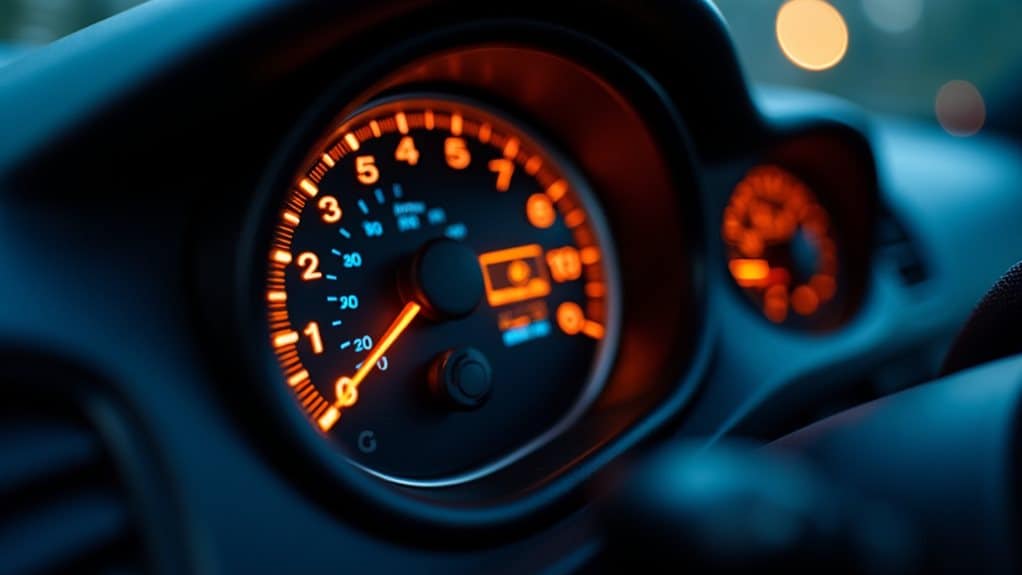
Although it’s labeled simply as “range,” this number tells you the estimated distance your car can travel before it runs out of fuel or battery, and it’s best understood as a prediction rather than a promise.
You’ll see “miles to empty” or “km to empty”; it multiplies remaining fuel or charge by recent average economy, updates continuously, and reflects current driving conditions. The display is calculated from the fuel level and recent consumption data. Many cars also show a Distance Till Empty estimate that adjusts as your driving habits change.
When to Trust the Dashboard Range : and When Not to?
When you’re making lots of short trips or driving in stop-and-go city traffic, don’t expect the dashboard range to be precise because the system hasn’t had time to gather steady driving data and instant fuel use varies with frequent acceleration and braking.
On long highway runs, however, the estimate becomes more reliable as the car recalibrates using sustained speed, steady acceleration, and recent fuel economy, so the range will track actual consumption more closely.
Also be cautious when the fuel level is near empty or when conditions change suddenly—weather, terrain, or heavy accessory use can shift energy demand and make the displayed range less trustworthy.
Regular maintenance and checks of wheel bearings and ball joints can affect overall vehicle efficiency and therefore influence range estimates through reduced rolling resistance.
Short Trips And Urban Driving
Because the dashboard range uses your recent driving data to predict how far you can go, it can give misleading results on short, stop-and-go urban trips until it has enough new information to recalibrate.
In city driving, frequent stops, variable speeds, and short distances prevent accurate sampling, so the display often overestimates range; trust it only after consistent, repeated urban patterns emerge.
Long Distance And Marginal Fuel
Start by checking how consistent your driving will be over the next miles, because range estimates work best when conditions and fuel use stay steady.
For long trips, motorway cruising can raise diesel range 15–25%, while EVs lose 20–40% in cold weather.
Below 10% fuel, sensors falter and range may understate drivable miles; keep a 10–15% buffer.
How Your Car Calculates Estimated Range / Miles to Empty
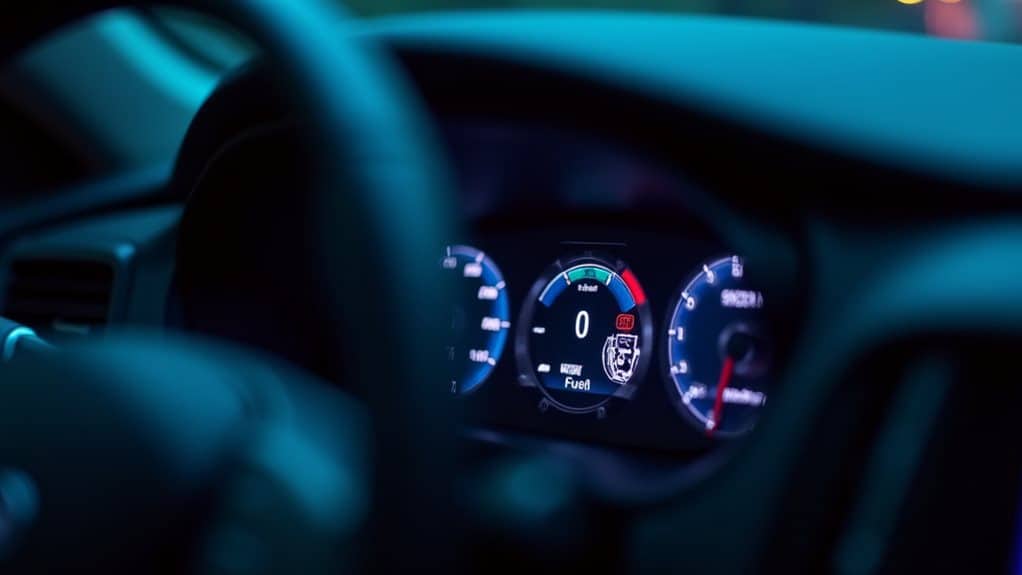
Today, your car estimates “range” or “miles to empty” by multiplying how much fuel is left in the tank by a recent measure of fuel economy, so you can see a simple Distance = Remaining Fuel × Recent Average MPG (or km/L) calculation behind the dash.
The ECU reads tank sensor volume and recent MPG (often 5–50 miles), multiplies them, and updates the display.
Resetting trip meters after a full tank can improve that recent average by providing a clean baseline for short-term fuel-economy calculations and more accurate miles-to-empty estimates.
Why the Range Is Only an Estimate (Assumptions and Math)
When your dash shows a single number for “range,” treat it as a prediction based on assumptions and recent measurements rather than a guaranteed distance you can drive; the vehicle’s computer multiplies the measured fuel or battery charge by a recent average efficiency (MPG or kWh per mile) calculated over the last 30–50 miles, and then projects that rate forward, assuming conditions will stay the same.
You should know lab ratings use controlled tests, so official EPA/WLTP figures, optimized for comparison, often exceed real driving, and onboard estimates update continuously as recent consumption changes.
Always monitor related indicators like oil level and warning lights—since issues such as insufficient oil flow can affect efficiency and therefore shorten estimated range.
Factors That Make Your Range Go Up or Down While Driving

You’ve just learned that the range number on your dash is a prediction based on recent consumption and assumptions; now let’s look at what actually makes that prediction climb or fall while you’re driving.
Speed, acceleration, and braking change aerodynamic and kinetic losses; temperature and HVAC use alter battery efficiency.
Load, tire condition, roof drag, charging habits, and regenerative braking behavior all shift real-world energy consumption.
The brake proportioning valve helps prevent rear wheel lock-up by adjusting pressure to the rear brakes, which can indirectly affect energy use and vehicle safety.
How Range Differs in Electric Cars vs. Gas Cars (ICE)
Because electric and gas vehicles store and deliver energy very differently, the way their dashboard range behaves can feel like comparing two separate languages of driving.
You’ll see EV range drop more with cold, high speeds, or sustained highway use, and recover some in city traffic via regen braking.
ICE range stays more stable, gives longer single-tank distances, and refuels far faster.
A failing fuel pump can suddenly reduce ICE range and cause symptoms like sputtering, stalling, or a high‑pitched whine from the tank area; see fuel‑pump warning signs for details.
Simple Driving Habits to Improve Real-World Range
You can improve real-world range by using smooth, predictable acceleration—gentle throttle inputs cut instant power demand and prevent battery current spikes that waste energy.
Keep speeds moderate and consistent; using cruise control or a speed limiter around 60–65 mph reduces aerodynamic losses and avoids frequent speed changes that trigger extra braking.
Reduce idling and unnecessary accessories by preconditioning while plugged in, using seat heaters instead of cabin heat when practical, and turning off chargers or lights to minimize parasitic energy drain.
Smooth, Predictable Acceleration
Often, a steady, measured approach to acceleration will yield the best real-world range, so aim to apply the throttle gradually rather than jabbing it.
You should accelerate smoothly, keeping RPMs in the lower-to-mid range to reduce fuel or battery draw.
Use gentle pedal inputs, anticipate traffic to avoid sudden load changes, and favor one-pedal control in EVs to preserve momentum and limit energy loss.
Moderate, Consistent Speeds
After smoothing your acceleration, keeping a steady, moderate speed is the next habit that will noticeably improve real-world range.
Stay within efficient speed bands — about 50–80 km/h (31–50 mph) for EVs and 80–100 km/h (50–62 mph) for many cars — to cut aerodynamic losses.
Use cruise control or adaptive systems to maintain speed; avoid frequent speed changes to preserve efficiency.
Reduce Idle And Accessories
Minimize idling and cut accessory loads whenever practical, because parked engines and running climate or entertainment systems drain fuel or battery power without moving you forward.
Turn the engine off for stops over 60 seconds, pre-condition the cabin while plugged in, and prefer heated seats to full heating.
Reduce A/C use, unplug chargers, and remove unnecessary roof racks or heavy cargo to preserve real-world range.
How to Check, Recalibrate, and Reset Range Readings
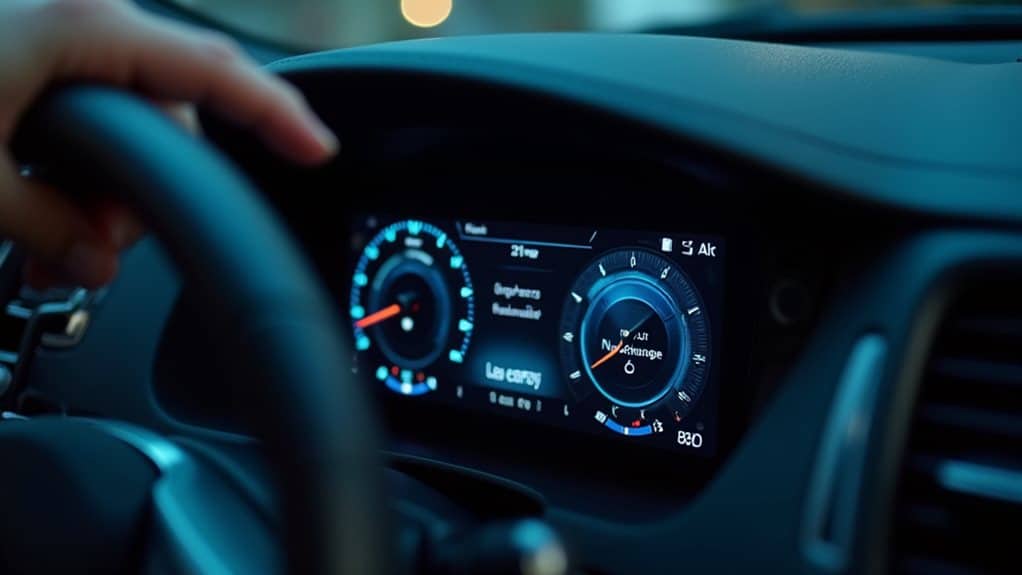
When you want an accurate reading of how far you can drive, start by locating the range display on your dashboard or infotainment screen and then use the trip computer controls to check the current value; you’ll usually find it labeled “Range” or “Miles to Empty,” near the fuel gauge or in the vehicle information menu, and in EVs such as Teslas or Nissan Leafs it may appear in the energy or battery section of the infotainment system.
Reset trip meters after refueling or charging, hold the reset button five seconds to clear data, drive varied routes for 300 miles for recalibration, and check sensors or software updates if readings stay static.
Wrapping Up
You should treat the dashboard “range” as an estimated distance based on recent fuel or battery use, not a guaranteed value. It helps plan stops, yet can shift quickly with speed, terrain, HVAC use, or heavy loads. For accuracy, monitor your trip average, drive smoothly, and reset the estimate after refueling or charging. Learn how your vehicle computes range—fuel economy, remaining energy, and driving conditions—to interpret readings and avoid surprises.


