
Trip A is the short‑range trip computer that tracks the miles you drive between fuel stops, calculates the average fuel economy for each segment, and shows a distance‑to‑empty estimate, letting you monitor efficiency for everyday commutes. You reset it via steering‑wheel controls—often a menu button, Trip 1 selector, and a hold‑to‑reset command—usually right after refueling to get a clean baseline. Unlike Trip B, which accumulates distance across trips, Trip A zeros after each tank, making it ideal for short trips and quick MPG checks; the next sections explain how to use it effectively.
Quick Tips
- Trip A is a short‑range trip computer that records distance, fuel used, and average MPG between resets.
- It automatically resets after refueling on many models, or can be manually reset via steering‑wheel or dashboard controls.
- Trip A helps gauge fuel‑to‑empty and compare efficiency for individual trips such as commutes or errands.
- Unlike Trip B, Trip A tracks only the current ignition cycle and is ideal for per‑tank mileage analysis.
- Resetting Trip A immediately after a full tank provides a clean baseline for accurate MPG calculations.
Why Trip A Matters and How It Works

Why does Trip A matter? It tracks the miles you drive between fuel stops, calculates average fuel economy for each short trip, and shows distance‑to‑empty, helping you gauge performance on varying routes.
You can compare efficiency across conditions, reset automatically after refueling, and view it alongside distance‑to‑empty and average fuel on the trip‑computer screen via steering‑wheel controls. Short‑distance tracking helps monitor fuel usage between fill‑ups. A useful safety step is to inspect vehicle gauges and warning indicators regularly to ensure accurate readings and prevent malfunctions.
Resetting Trip A via Steering-Wheel Controls – A Step-by-Step Guide
After you’ve seen why Trip A matters, the next step is learning how to reset it using the steering‑wheel controls that come with most modern vehicles.
In a Ford, press the wheel’s menu button, navigate to Trip 1, select OK, then choose Reset Individual Values and hold OK until confirmation.
In a Ram, short‑push the column lever to display Trip A, then long‑push to reset.
Volvo and Polestar use a right‑hand confirm button or a lever‑mounted RESET button; hold it until the screen confirms the reset.
Acura drivers scroll the wheel knob to vehicle settings, pick Meter Setup, then Trip A reset, and confirm with the trip button.
Most drivers find a hex nut wrench provides a familiar reference for grip and turning when learning about controls.
When to Reset Trip A: Fuel-Fill vs. Manual
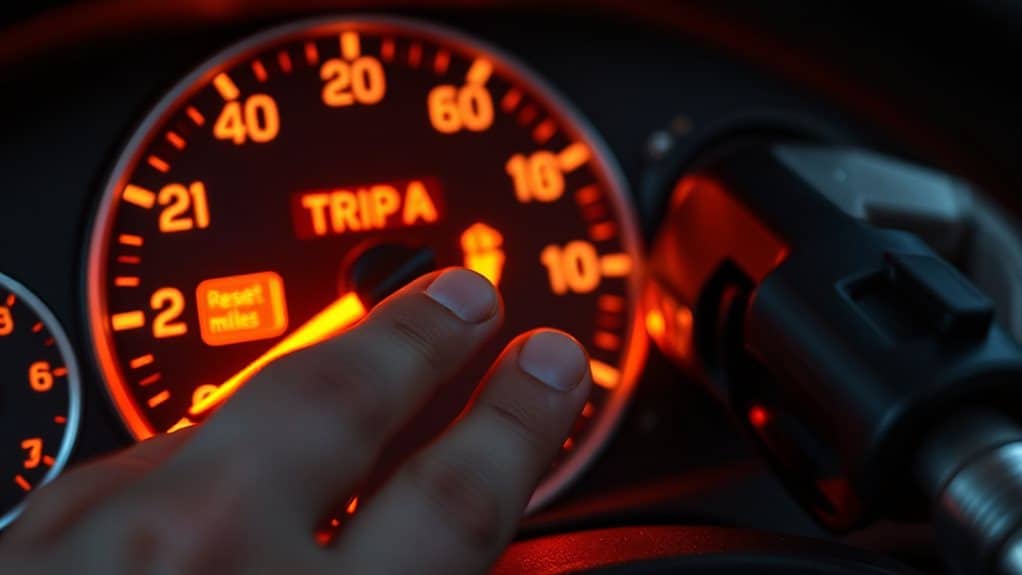
Ever wondered whether you should reset Trip A right after you refuel or wait until you’re done driving? Resetting immediately after a full tank gives a clean baseline for fuel‑economy calculations, especially in Toyota models that require manual confirmation on the MID. Mercedes drivers often prefer a pre‑engine‑start reset via the steering‑wheel pad, while Acura users can configure MPG resets in settings. Consistent timing improves mileage accuracy. Also consider checking the radiator cap as cap failure can lead to overheating and affect fuel‑economy readings.
Trip A vs Trip B: Key Feature Differences
You’ll notice that Trip A resets frequently—often automatically when you refill the tank—so it’s ideal for tracking short‑range distance and fuel efficiency within a single tank cycle.
In contrast, Trip B only resets manually and can accumulate mileage for months or years, making it suited for long‑term travel statistics and overall vehicle performance.
Understanding these reset frequency and distance capacity differences helps you choose the right counter for your driving habits.
Consider also monitoring fuel efficiency to make the most of Trip A’s short‑term tracking.
Reset Frequency
How often you reset Trip A versus Trip B matters because each serves a distinct purpose and follows a different timing rule. Reset Trip A right after refueling; hold the reset button two to seconds while the engine is off, then watch the digits flash to zero.
Reset Trip B only when a service interval, like an oil change, approaches—typically after several thousand miles.
Perform both resets while parked with ignition on.
Distance Capacity
What sets Trip A apart from Trip B is the way each mode measures and retains distance data, and understanding that distinction helps you interpret the readouts correctly.
Trip A records distance only for the current ignition cycle, resetting automatically when you turn the engine off.
Trip B, however, accumulates distance across cycles until you manually reset it, letting you track longer trips and fuel efficiency trends.
Typical Trip A Use Cases: Commutes & Short Trips

You can use Trip A to gauge your morning‑commute efficiency by resetting it at the start of each workday, which gives you a clean mileage tally that isolates short‑distance fuel consumption from the odometer.
The same reset strategy works for weekend errands, letting you log each brief outing separately and then compare the total distance of multiple hops without mixing in longer trips.
Note that modifying vehicle systems can carry legal and safety risks, so consult safety regulations before making any changes.
Morning Commute Efficiency
Ever wondered why your car’s Trip A reading changes every morning? You can use Trip A to log each commute’s distance, time, and fuel use, then compare daily MPG to spot traffic‑related drops.
Reset after refueling gives fresh data for the next work‑day, while the timer shows duration. This isolates short‑trip efficiency, helping you gauge distance‑to‑empty and improve routine fuel management.
Weekend Errand Tracking
How does Trip A help you monitor weekend errands? It logs GPS routes to grocery stores, hardware shops, and family homes, updating every 10‑15 seconds. Geofencing alerts fire when you enter or leave a parking lot, while speed and harsh‑braking data assess safety. OBD plug‑ins record mileage, stop duration, and maintenance alerts, giving you precise, fuel‑efficiency and driver‑behavior reports for each short trip.
Trip A for Tracking Fuel Efficiency per Tank
A typical dashboard lets you set Trip A to measure the distance you travel between two points you choose, which is useful for gauging fuel efficiency for a specific tank. You select a start point when you fill the tank, then reset Trip A after each refill. The system records real‑time distance, integrates fuel‑injector data, and displays the result next to the speedometer, letting you compare consumption across trips. Remember that for in‑vehicle installations and safety considerations, it’s important to follow professional guidance when modifying or interpreting vehicle systems.
How Ford, Prius, and Other Brands Implement Trip A
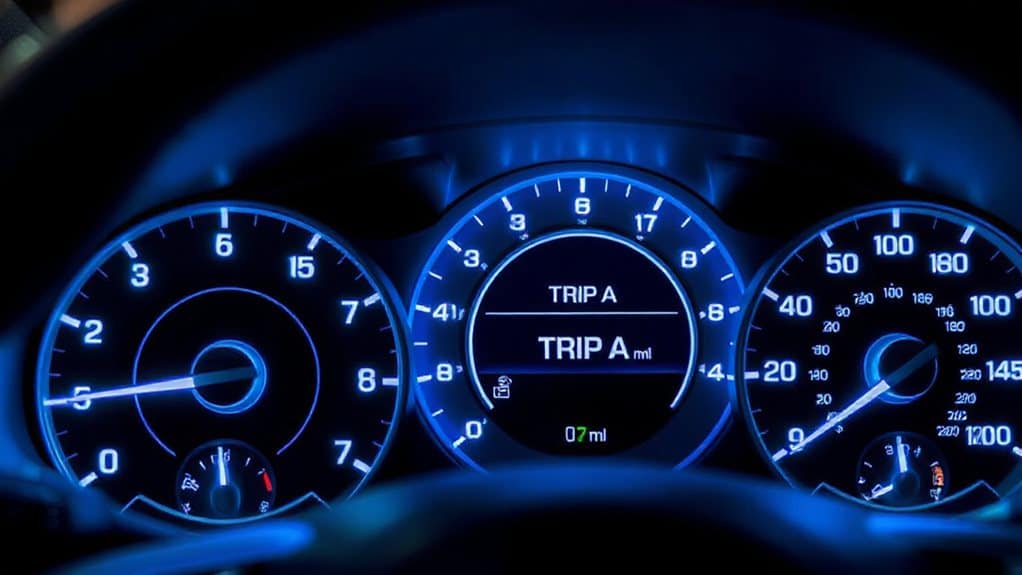
You’ll notice that Ford’s odometer interface automatically resets Trip A when the tank is refilled, showing average fuel economy, speed, and range for that tank; the Prius, on the other hand, lets you reset Trip A manually or after refueling, recording distance, fuel use, and MPG while also reflecting drive‑mode influences and hybrid‑energy splits.
most other brands follow a similar pattern, offering automatic fuel‑reset functionality and comparable trip‑logging features, though some provide manual reset options or integrate Trip A with driver‑information centers.
Ford Trip Odometer Interface
Where does Trip A fit into a Ford’s instrument cluster, and why does it matter for everyday driving? It occupies the central LCD screen, accessed via the steering‑wheel five‑way button. You can view distance, elapsed time, and average fuel consumption together. Reset the metric by holding the left‑side button until the display clears. The system shares the odometer’s magnetic sensor, retains data without battery power, and lets you switch units or language in the settings menu.
Prius Trip A Reset Procedure
Resetting Trip A on a Prius is a quick process that lets you start fresh calculations for fuel efficiency and distance. Press the steering‑wheel trip button until the display shows Trip A, then hold it for a few seconds.
The instrument cluster clears mileage, fuel consumption, and average speed. For newer models, open the MID, navigate to Trip A with arrow keys, and hold the OK button until the reset prompt confirms.
Comparative Brand Trip Features
How do Ford, Prius, and other manufacturers differ in the way they present and manage Trip A?
Ford uses five‑way steering‑wheel controls and a digital display that shows real‑time distance, fuel‑range, and average speed, while Prius relies on button presses and a reset‑hold method for odometer and fuel‑economy data. Other brands may combine both approaches, offering separate Trip 1/2 selectors, customizable menus, and continuous updates for fuel‑to‑empty and idle consumption.
Troubleshooting Trip A: Reset & Data Errors
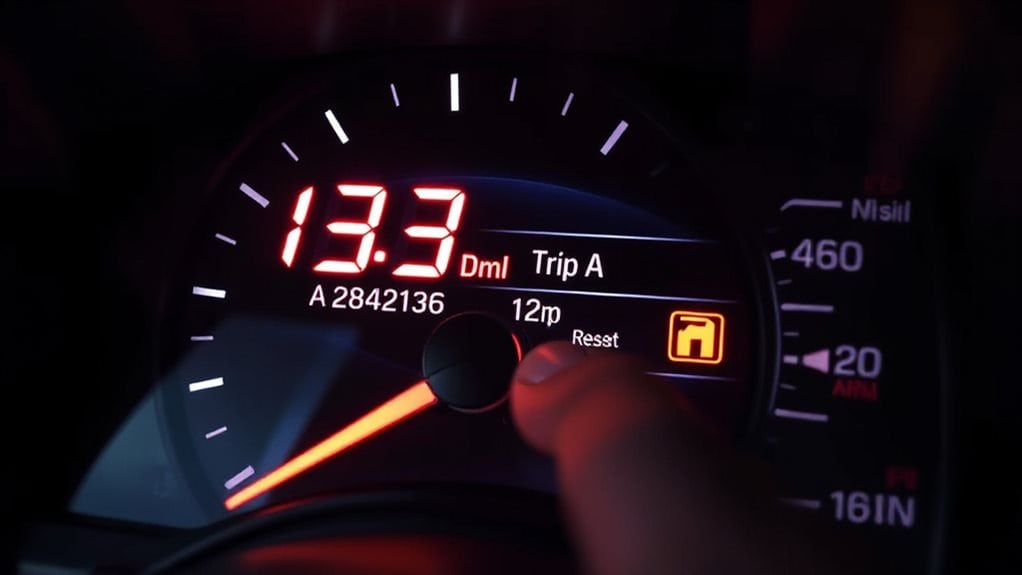
What typically trips you up with Trip A is the reset process and the data errors that follow it. Press the slim button near the display for several seconds, then confirm the meter reads zero. If it doesn’t, check for error codes and verify you’re not confusing Trip A with Trip B. Watch for the 10,000‑mile rollover, and avoid resetting at the incorrect fuel‑fill moment, which corrupts mileage tracking. Follow the manual for model‑specific steps.
Maximizing Trip A Data for Accurate MPG
Why does accurate MPG depend so heavily on clean Trip A data? You reset Trip A at a full tank, note odometer and fuel amount, then log each fill‑up’s volume, odometer, and Trip A distance, plus date, time, and temperature.
Drive consistently—steady speeds, same routes, minimal idling. Compute MPG by dividing total Trip A miles by gallons added, average cycles, adjust for fuel blends, and compare to dashboard readings.
When to Switch to Trip B or Use Both Meters
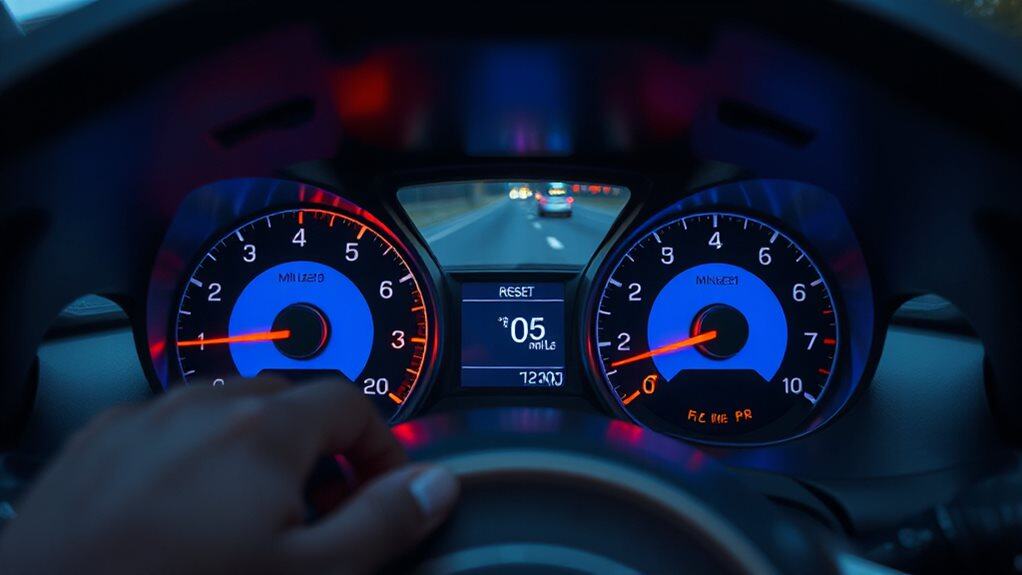
After you’ve logged clean Trip A data for each tank, you’ll start to notice when a single‑tank view no longer captures the whole scene of a longer voyage.
Switch to Trip B when you begin a multi‑tank journey or a tour segment, letting B accumulate the full distance while A resets per tank.
You can also run both simultaneously: A tracks current‑tank fuel economy, B records overall mileage, each independent and non‑overlapping.
Advanced Tips: Combining Trip a With Trip B for Full-Vehicle Insights
How can you turn two separate trip meters into a single, thorough view of your vehicle’s performance?
By resetting Trip A after each tank fill‑up and then adding its per‑tank distance and MPG to Trip B’s accumulated mileage, average speed, and ECO data, you create a complete efficiency profile.
Use Ford’s All Values screen or Toyota’s OK‑button hold to zero Trip A without affecting odometer or Trip B, preserving lifetime trends while tracking each tank’s fuel economy.
Wrapping Up
By mastering Trip A, you’ll track short‑range mileage, fuel consumption, and trip duration with precision. Use the steering‑wheel button sequence to reset it after each fill‑up or manually when you start a new commute. Compare its data to Trip B for longer journeys, and combine both meters to gauge overall vehicle efficiency. Regularly checking and resetting Trip A ensures accurate MPG calculations, helps identify fuel‑wasting habits, and supports informed maintenance decisions.


