
After you replace a VW’s 12‑V battery, you need to reset the Battery Management System so the control module can learn the new cell’s capacity, voltage, and serial number, preventing over‑ or under‑charging and warning lights. Connect a VW‑compatible OBD‑II scanner (e.g., TOPDON UltraDiag, OBDeleven, or VCDS) with the ignition on, select the Battery Control Module, and enter the correct capacity (e.g., 70 Ah), vendor, and serial number. Clear any codes, restart the engine, and verify that no warnings appear; the next steps will show you optional throttle‑body adaptation and troubleshooting tips.
Quick Tips
- Disconnect the negative then positive terminals, install the new battery, and reconnect the positive first, applying dielectric grease.
- Plug a VW‑compatible OBD‑II scanner (e.g., TOPDON UltraDiag, OBDeleven, VCDS) with ignition on and select the Battery Control Module reset.
- Enter the new battery’s capacity (e.g., 70 Ah), vendor code, and serial number, then confirm coding and clear any stored codes.
- Verify the reset by checking that no battery‑related warning lights appear after a short engine start‑up and idle.
- If required, run a throttle‑body or idle‑speed calibration (group 060) to complete the adaptation for older VW models.
VW Battery Reset: Why It Matters After Replacement
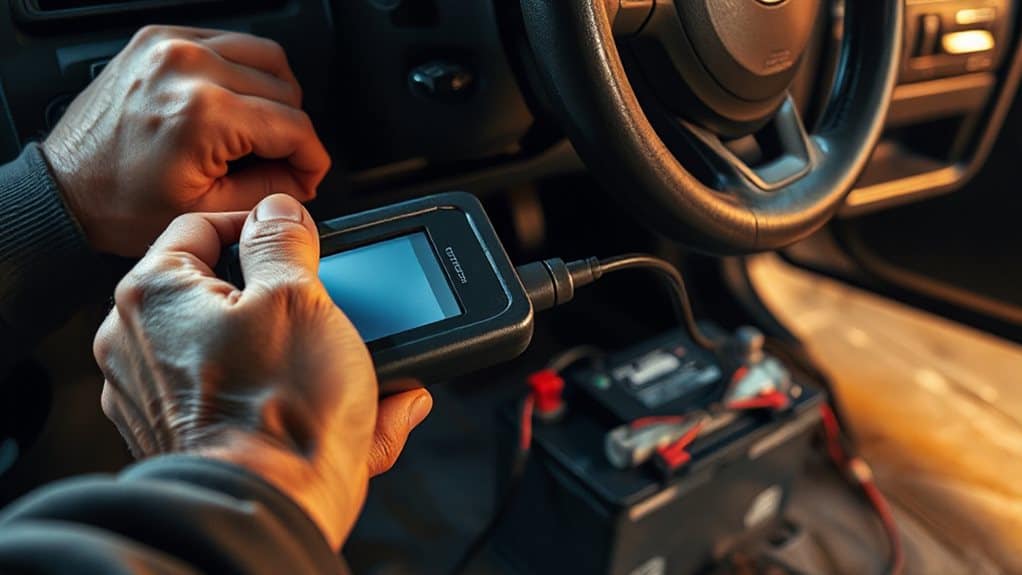
Why does a VW need a battery reset after you replace the unit?
The control module must learn the new battery’s capacity, voltage, and serial number to recalibrate charging parameters. Without this, the system may over‑ or under‑charge, causing warning lights and reduced stability. The OBD2 connector lets you enter the 70 Ah rating and vendor data, confirming successful coding and preventing post‑replacement errors. Regular garage maintenance and sealing reduce spider entry to minimize interference with sensors and wiring.
VW Battery Reset Tools & Apps You’ll Need
How do you choose the right tool for a VW battery reset? Use TOPDON UltraDiag or ArtiDiag600S for direct BMS reset via a dongle and maintenance menu; TopScan app works on iPhone/Android. OBDeleven 3 with a PRO/ULTIMATE subscription registers the battery wirelessly. VCDS software on a PC offers Adaptation‑10 under the 19‑CAN‑Gateway for part number, vendor, and serial entry. The free myVW app can’t reset BMS. OBDeleven requires a PRO or ULTIMATE subscription.
VW Battery Reset: Battery Removal & Installation Checklist
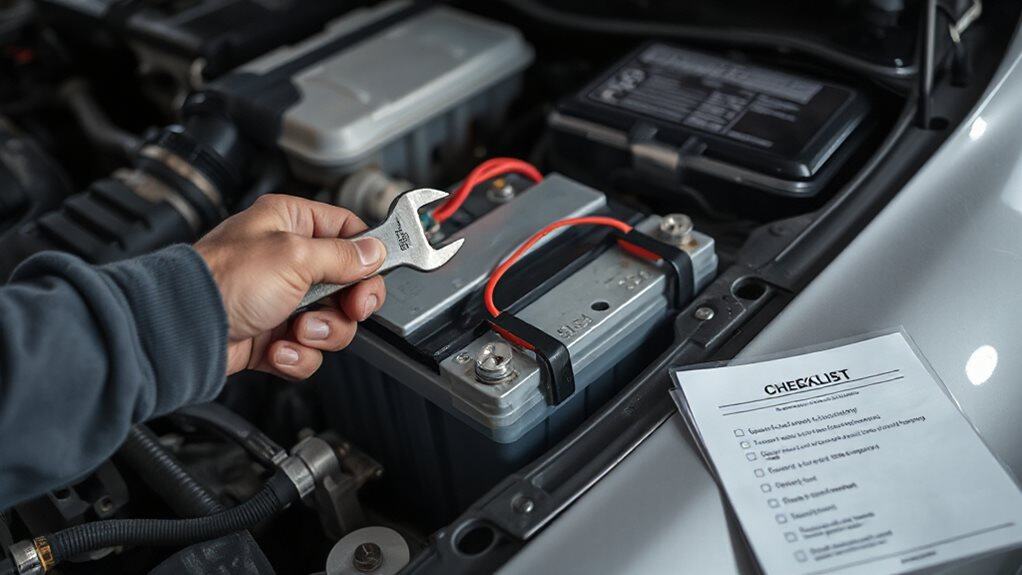
Before you start, make sure you’ve got rubber gloves, safety glasses, and the right sockets—10 mm for the terminals and 13 mm for the hold‑down bracket—so you can work safely and avoid accidental shorts. First, disconnect the negative terminal, then the positive, remove any extra cables or vent tubes, and loosen the bracket before lifting the old battery out of the engine bay. When installing the new battery, align it with the tray, reinstall the bracket, reconnect the positive terminal first and the negative last, and finish by applying dielectric grease to protect against corrosion. Modern vehicles often include speed-sensing steering systems that can be affected by a battery change, so check for any steering or electronic warnings after reconnecting power.
Safety Precautions Checklist
When you begin the battery‑reset process on a VW, the first thing to secure is a thorough safety checklist that covers personal protective equipment, vehicle preparation, terminal handling, and general hazard avoidance. Wear insulated gloves and safety goggles, remove jewelry, and ensure ventilation. Turn off the engine, engage the parking brake, disconnect the negative terminal first, and keep tools insulated. Avoid contact with acid, sparks, or metal‑to‑metal contact throughout the procedure.
Battery Installation Steps
After securing your safety gear and confirming the battery terminals are disconnected, you can move on to the installation phase. Lower the new battery, align it, then slide the insulation sleeve back over it. Re‑attach the hold‑down bracket, tighten with a 13 mm wrench, and connect the positive cable first, followed by the negative cable. Verify all connections are firm and clear of other components.
VW Battery Reset: Connecting the OBD2 Scanner and Selecting Your Model
How do you connect an OBD‑II scanner to a VW and pick the correct model before resetting the battery? Locate the OBD‑II port under the driver’s dashboard, plug in a VW‑compatible scanner, and power it on. Keep the ignition on without starting the engine. Let the scanner read the VIN, then select Volkswagen, confirm engine and build details, and choose the Battery Control Module or 12‑Volt Energy Management Reset option. Underground pipes can still freeze even when buried, so take precautions to avoid pipe bursts during winter maintenance.
VW Battery Reset: Entering Battery Capacity, Brand, and Serial Number
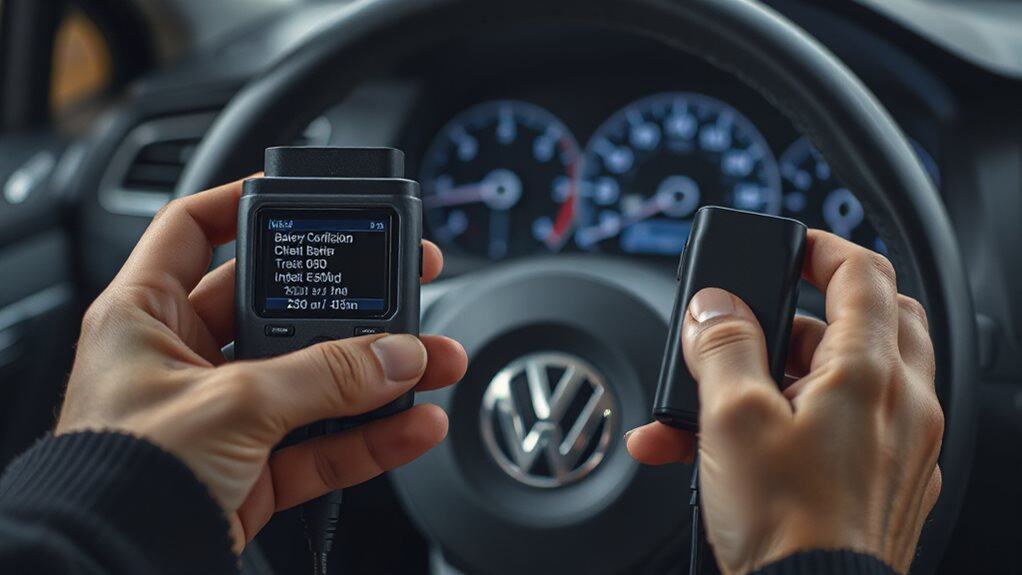
The scanner now asks for the new battery’s specifications, so you’ll enter the capacity, vendor, and serial number before the control module can relearn the system. First, input the amp‑hour rating (e.g., 70 Ah) after confirming key‑on, engine‑off.
Next, select the vendor from the menu, such as Exide, to match OEM data.
Finally, type the new serial number, press enter, and the module will recalibrate charging parameters. Many OBD2 scanners can also perform battery registration and relearn procedures to ensure accurate charging and electrical system diagnostics; see OBD2 scanner features for details.
VW Battery Reset: Verify Coding Success and Clear Error Codes
If the new battery’s coding was successful, you’ll notice that the dashboard warning lights go out after a key‑on, engine‑off cycle and the start‑stop system functions without any error symbols.
Verify by checking the battery regulation control unit via a scan tool, selecting long adaptation channel 4, and confirming a success message. Then clear any remaining codes with an OBD2 scanner, re‑scan, and restart the engine to ensure lights stay off.
VW Battery Reset: Optional Throttle‑Body Adaptation for Older Models
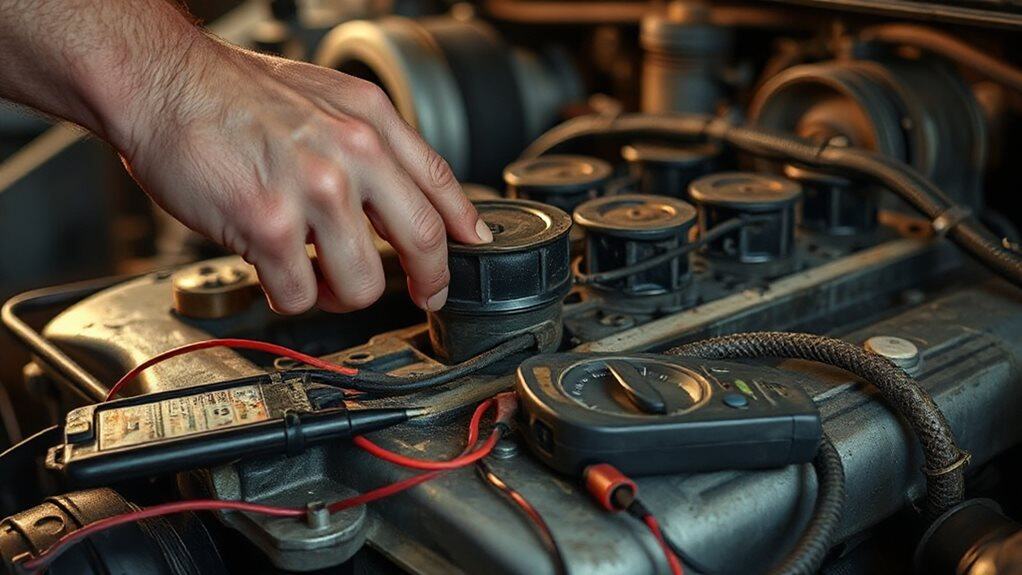
You’ll need to run a throttle‑body reset after a battery change on older VW models, which realigns the idle speed and guarantees the engine’s electronic throttle control (ETC) is calibrated. The procedure uses a diagnostic tool like VCDS to access the engine control module, clear any codes, and then initiate the idle speed calibration sequence, typically in group 060. Follow the tool’s prompts to complete the adaptation, then verify the idle is stable before you finish. Regular maintenance and checking for ignition cylinder wear can prevent related electrical or starting issues.
Throttle Body Reset Procedure
Why does a throttle‑body adaptation become necessary after a battery change on older VW models? Power loss erases the ECU’s learned throttle range, so you must re‑teach it. Turn the ignition on, wait ten seconds, then press the accelerator to the floor and release slowly, repeating a few times. Start the engine and let it idle ten minutes without acceleration. This manual reset restores proper throttle positioning.
Idle Speed Calibration Steps
How do you guarantee the PCM (power control module) properly calibrates idle speed after a VW battery reset? Start with a two‑minute neutral idle, then hold the vehicle in drive with brakes applied for another two minutes. Return to neutral, engage the AC for two minutes, and finish with a drive cycle while the AC stays on. The PCM will learn and stabilize idle speed.
Diagnostic Tool Requirements
Ever wondered which diagnostic tool you actually need to reset a VW’s battery and, if required, adapt the throttle body on older models? You’ll need VCDS (VAG‑COM) software with scanner access to KW‑1281, KWP‑2000 or CAN protocols, plus Group 060 navigation. Ensure real‑time monitoring, warm‑engine start, and listen for the motor’s whine during adaptation.
VW Battery Reset: Common Pitfalls & Troubleshooting Tips
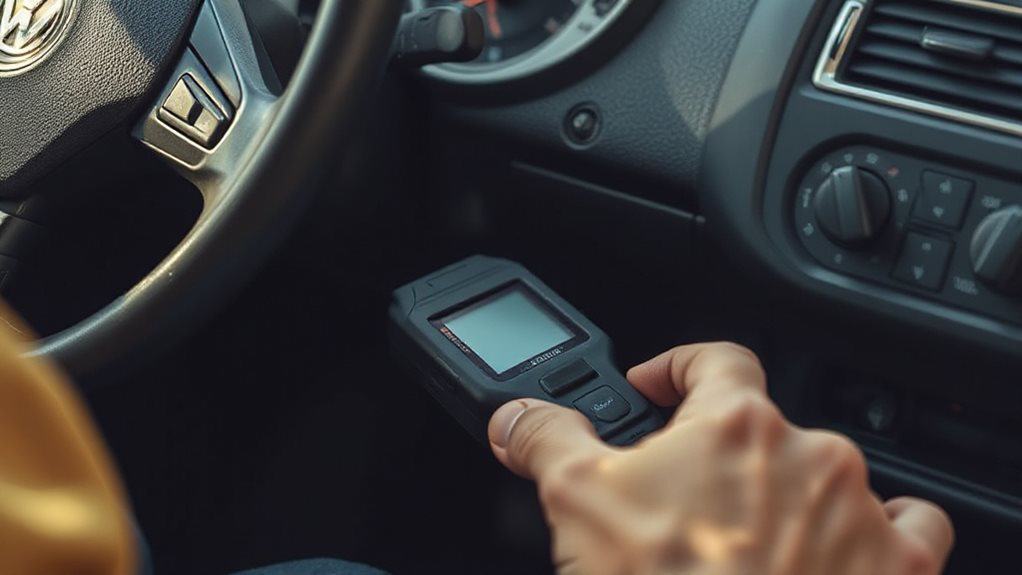
When swapping a VW battery, you’ll quickly uncover that the reset process isn’t just a matter of reconnecting cables; the vehicle’s control modules expect precise data about the new cell’s chemistry, capacity, and serial number. Use the correct AGM or EFB type, then run a diagnostic tool like iSCAN to enter the new serial, capacity, and vendor code. If you skip this, warning lights stay on, charge algorithms misbehave, and the start‑stop system may fail. A simple throttle‑to‑floor run can clear some adaptations, but proper coding prevents lingering error codes. Ensure the battery is fully charged before installation, and avoid DIY shortcuts that could corrupt idle settings.
Wrapping Up
By completing the battery reset, you guarantee the VW’s electronic control modules recognize the new power source, preventing drift voltage errors and preserving fuel‑efficiency algorithms. The OBD2 interface records the correct battery capacity, brand, and serial number, which the engine control unit (ECU) uses for voltage‑monitoring and idle‑control functions. Verifying the coding success clears any stored fault codes, and optional throttle‑body adaptation fine‑tunes air‑flow for older models. Properly following these steps avoids misdiagnoses and maintains reliable vehicle performance.


